How to ask customers for reviews (the right way): QR codes, texts and email
Most happy customers never leave a review because nobody asked. When to ask, what to say, which channels work, and the rules not to break: no rewards, no screening, no scripts, and never ask for Yelp reviews.
Key takeaways
- 94% of US consumers are open to leaving a review, and 28% always do when asked.
- Ask right away: at the end of the visit or within 24 hours.
- Ask everyone the same way: Google bans asking only happy customers.
- No discounts, freebies or prize draws in exchange, and no pre-written reviews.
- Google for everyone, Tripadvisor for hospitality. Never ask for Yelp reviews.
You have happy customers walking out every day, yet reviews trickle in. You're not alone: people who had a problem tend to write on their own, people who had a good time usually don't. Not out of malice, but because nobody asked, or because it's a hassle. This guide shows how to ask simply, effectively and within the rules.
Why asking works
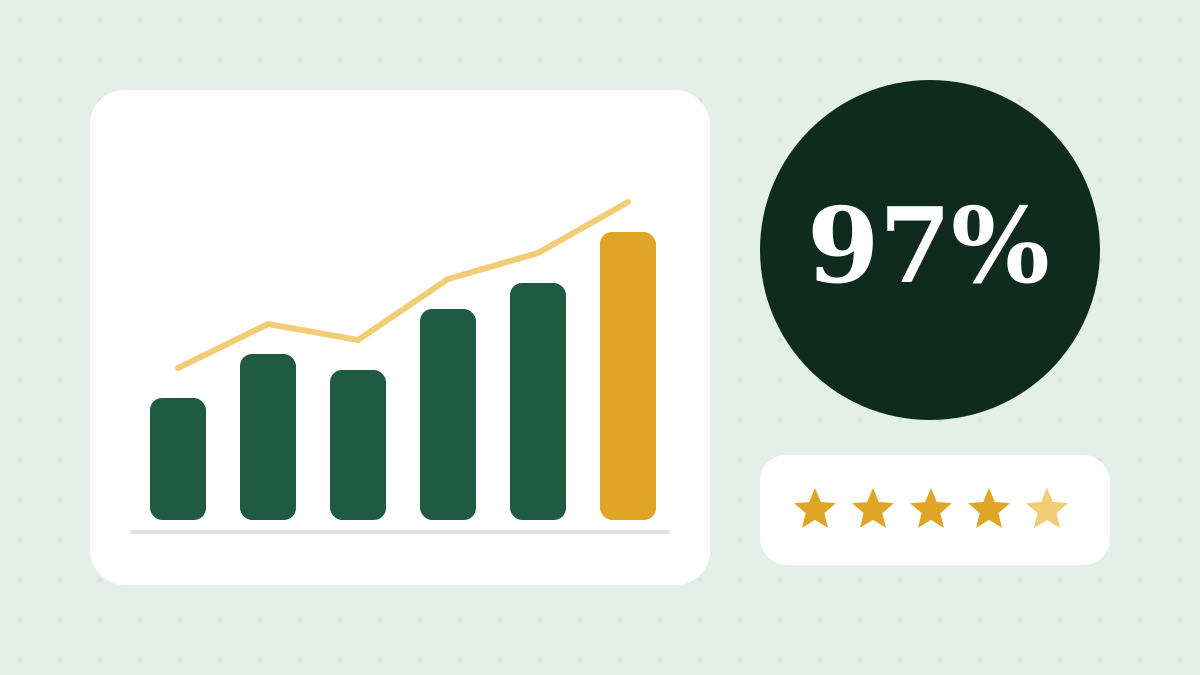
In BrightLocal's 2026 survey of US consumers, 78% were asked for a review in the past year, 28% say they always leave one when asked (up from 16%), and 94% are open to writing one1. The willingness is there. What's missing is the moment.
The rules first
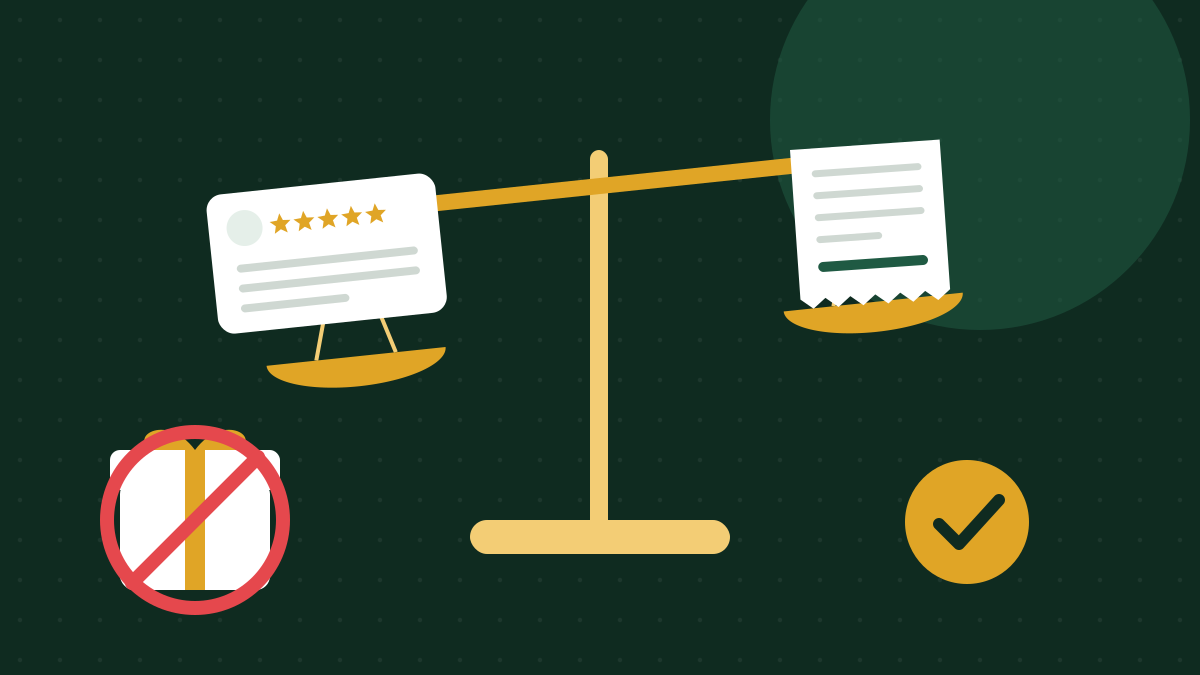
| You can | You can't |
|---|---|
| Ask all your customers for a review | Ask only happy customers (Google calls it "selectively soliciting positive reviews")2 |
| Explain where and how to leave one | Offer money, discounts, freebies or contests in exchange2 |
| Thank people who left one | Make any reward conditional on a positive review (FTC rule)3 |
| Ask staff to remind customers | Give staff numeric review targets2 |
| Reply to every review, negative ones too | Discourage or block negative reviews2 |
More detail in our guide to the FTC's fake reviews rule.
When to ask
- Restaurants, cafés, bakeries: with the check or right after, with a QR code on the table or by the register.
- Hotels and B&Bs: at check-out or with a message within 24 hours of departure.
- Salons and spas: at the end of the appointment, when the customer loves their new look.
- Auto shops, trades, home services: at pickup or when the job is done, with a message that evening.
- Shops: at checkout, with a QR code on the receipt or bag.
The general rule: the sooner you ask, the more likely they'll do it.
Channels, one by one
QR code
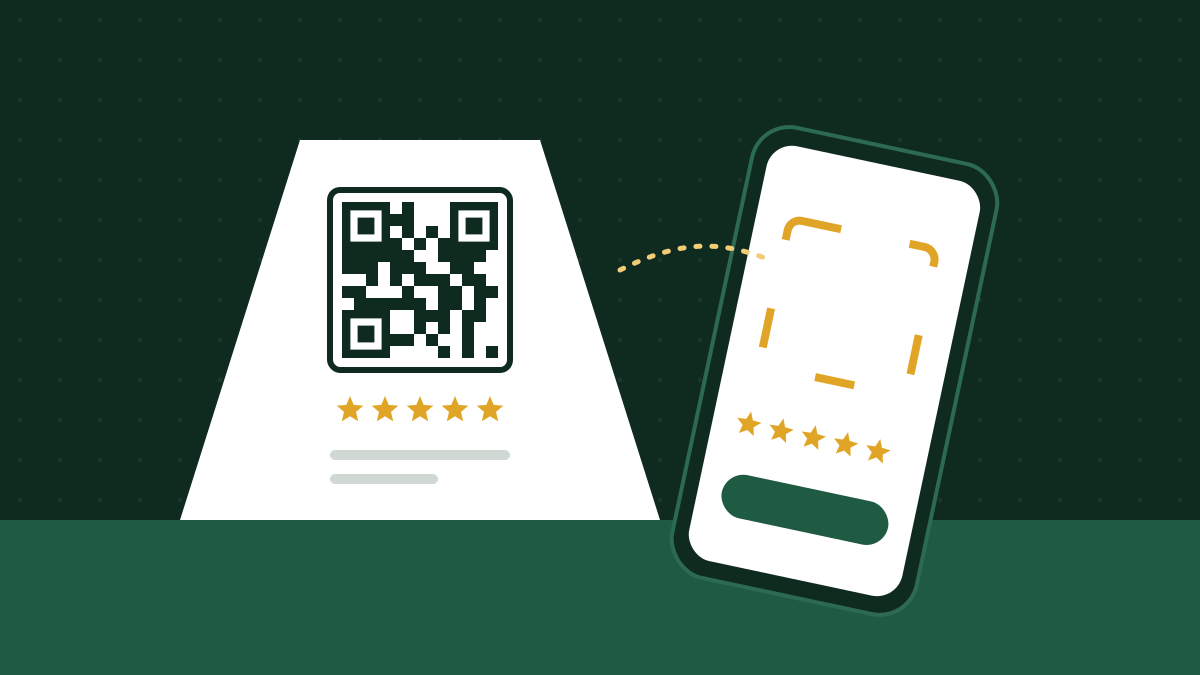
From your Google Business Profile you can download a QR code that opens the review form directly4. Print it large, with a clear line, and put it where customers have a spare minute: on the table, the counter, in the room, by the register.
Text message
Great for businesses that already have the customer's number (bookings, appointments, deliveries). A short, personal message with the link. In the US, automated or marketing texts need the customer's consent under the TCPA and carrier rules: if you text customers systematically, check with a lawyer or your texting provider before you start.
The natural choice for hotels and B&Bs, which have the booking email. A simple subject line ("How was your stay?") and one button.
In person
It works if it's natural and not pushy. Staff can say: "If you have a minute, the QR code on the table takes you straight to our Google reviews. It helps us a lot." Once, with no pressure, to everyone.
Ready-to-adapt messages
Remember: you can suggest where to leave a review, never what to write.
QR sign
How did we do? Tell us in 30 seconds. Scan with your phone camera.
Text after an appointment
Hi Laura, thanks for coming in today! If you have a minute, your opinion helps us a lot: [link]. And if anything wasn't right, just reply here. Sarah
Email after a stay
Hi Mark, thanks for staying with us. How was it? You can share your experience on Google or Tripadvisor, whichever you prefer: [Google link] · [Tripadvisor link]. If there's anything we could do better, just reply to this email. Ellen and the team
In Spanish
¿Qué tal te fue? Cuéntanos en 30 segundos: escanea el código QR con la cámara de tu teléfono.
Which platforms to ask for
- Google, for everyone. The most used platform for choosing a local business.
- Tripadvisor, for hospitality and dining. Hotels, B&Bs, restaurants, tours. Let the customer choose.
- Yelp: don't ask. Yelp's guidelines say businesses shouldn't ask for reviews, and solicited reviews may not be recommended5. Keep your listing accurate and reply to the reviews you get.
- Facebook: useful if your Page is very active, but secondary to Google.
Tip: don't ask for three reviews on three platforms. Offer two choices at most. Too many options and people give up.
How to tell if it's working
- Track how many reviews you get per month, before and after you start asking.
- Watch the average rating of new reviews, not just the overall one: it shows how you're doing today.
- Read what people write: recurring themes are your map of what to improve and what to highlight.
- Make sure you replied to every one.
The most common mistakes
- "Leave us 5 stars!" Don't ask for a rating, ask for an opinion.
- A free coffee in exchange. Small as it is, it's an incentive, and Google bans it.
- Asking friends and family. Platforms spot them, and undisclosed insider reviews break the FTC rule.
- All reviews on one day after months of silence. A steady flow is better.
- Asking and then not replying. Customers who wrote want to know you read it.
Sources
- BrightLocal, Local Consumer Review Survey 2026
- Google, Prohibited and restricted content (fake engagement)
- FTC, Consumer Reviews and Testimonials Rule: Questions and Answers
- Google, Manage customer reviews (review link and QR code)
- Yelp Support, Don't ask for reviews
Sources checked on October 18, 2026. Platforms change often: if you spot something out of date, let us know.